作者pertonas (崁入式訊息菜鳥™p)
站內PC_Shopping
標題[開箱] Cooler Master 690 II ADVANCED NV EDITION
時間Sat Jan 15 23:58:56 2011
LINK :
http://www.xfastest.com/viewthread.php?tid=56639&fromuid=20507
機殼的好壞, 不知道對大家是否會有很大的差別?
選擇一個適合自己的機殼, 對於很多人而言, 似乎不是件簡單的事情, 特別是目前市面上
的機殼千百種, 往往都讓人難以進行抉擇.
在選擇零組件的時候, 不少人都會忽略了機殼這部分, 而追求電腦的效能, 沒注意到好的
機殼也是非常重要. 今年剛開始, 就先幫各位介紹一咖在結構、價位跟品牌都不錯的機殼
– Cooler Master 690 II ADVANCED NVIDIA EDITION.
690 II ADVANCED其實上市一陣子了, 但是在台灣似乎碰到了一些專利的問題, 以至於在
台灣的上市時間點, 慢了快一年…吧.
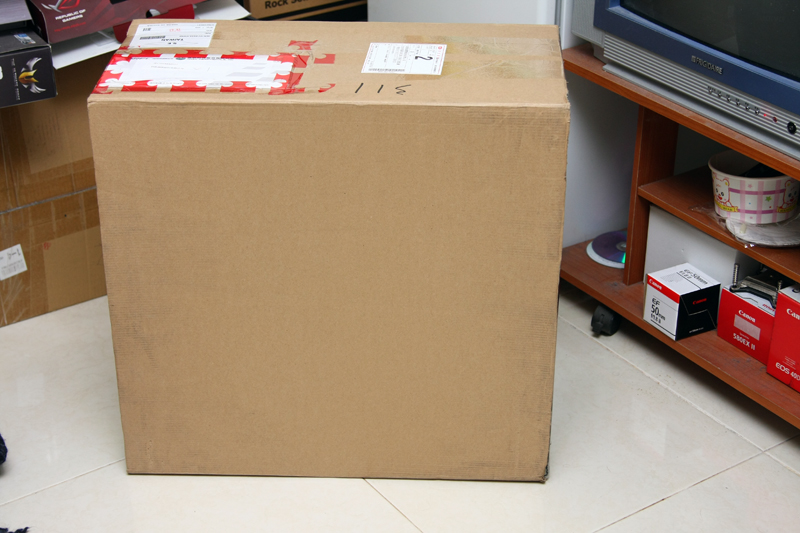
收到機殼瞬間的包裝. 很貼心的用了牛皮外套.
http://pic.xfastest.com/pertonas/690IINV/1.jpg
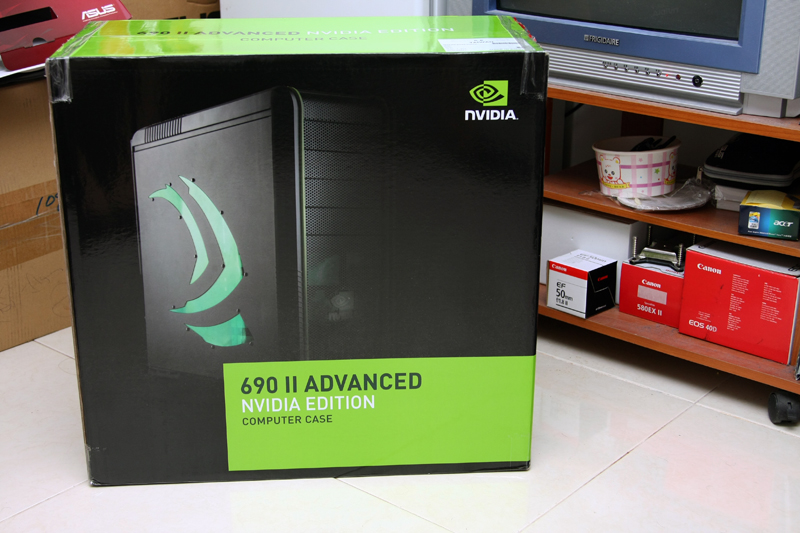
把外套脫掉之後, 一整個就是NVIDIA的風格, 似乎沒辦法查覺這真的是Cooler Master的
機殼.
http://pic.xfastest.com/pertonas/690IINV/2.jpg
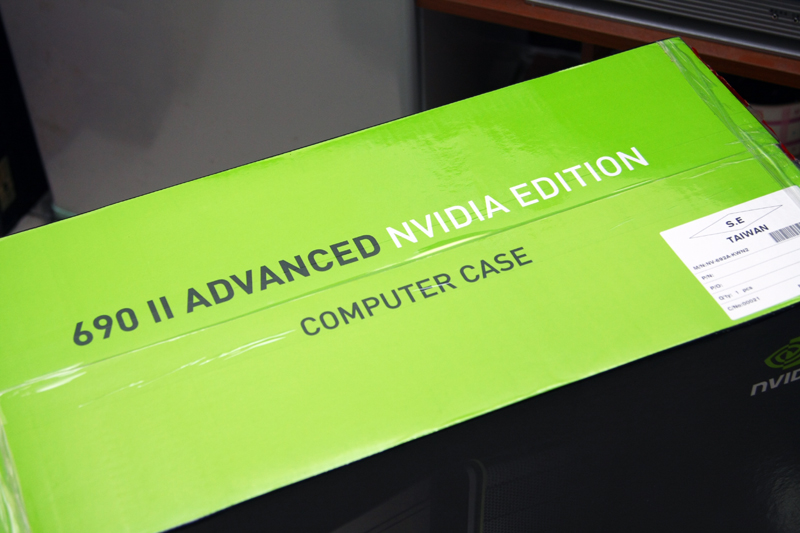
箱子上面 – 690 II ADVANCED, 也就是附有DOCKING的版本.
http://pic.xfastest.com/pertonas/690IINV/3.jpg
背面清楚的讓你知道這個機殼到底有那些優點.
http://pic.xfastest.com/pertonas/690IINV/4.jpg
規格部分就不多做敘述.
http://pic.xfastest.com/pertonas/690IINV/5.jpg
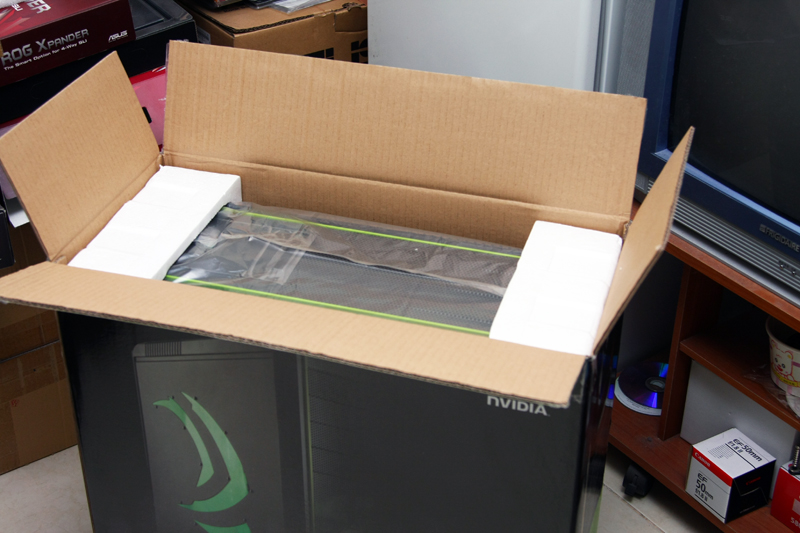
終於要開箱了. 建議用倒的, 而不要選擇用直接拉出來的方式…因為有朋友直接拉出來而
砸傷了腳…(為他禱告, 希望他的腳能夠趕快好起來)
http://pic.xfastest.com/pertonas/690IINV/6.jpg
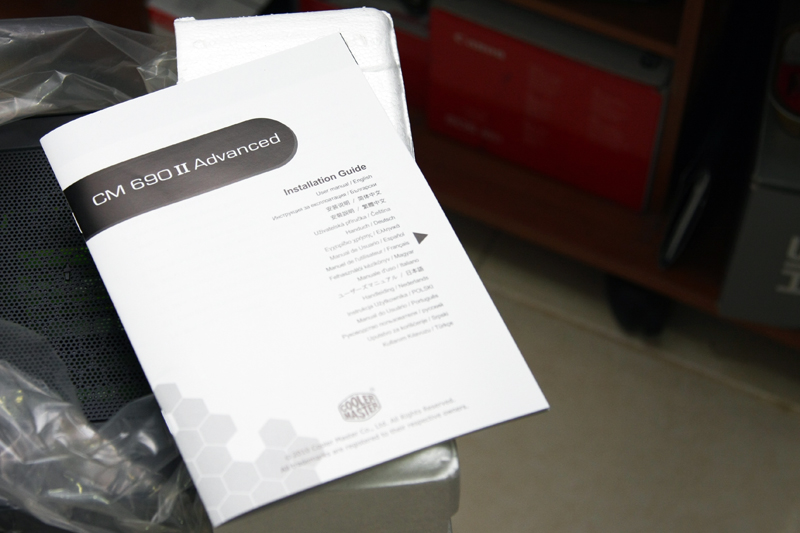
說明書部分, 有需要的人可以大略看一下吧.
http://pic.xfastest.com/pertonas/690IINV/7.jpg
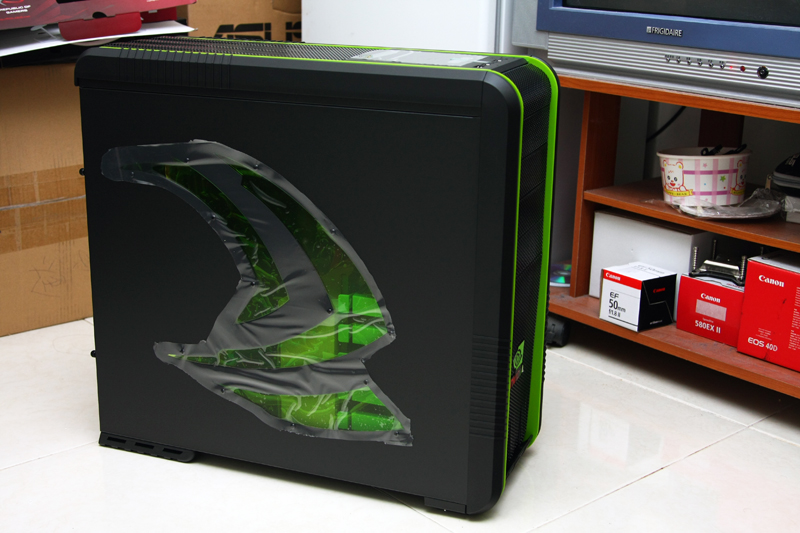
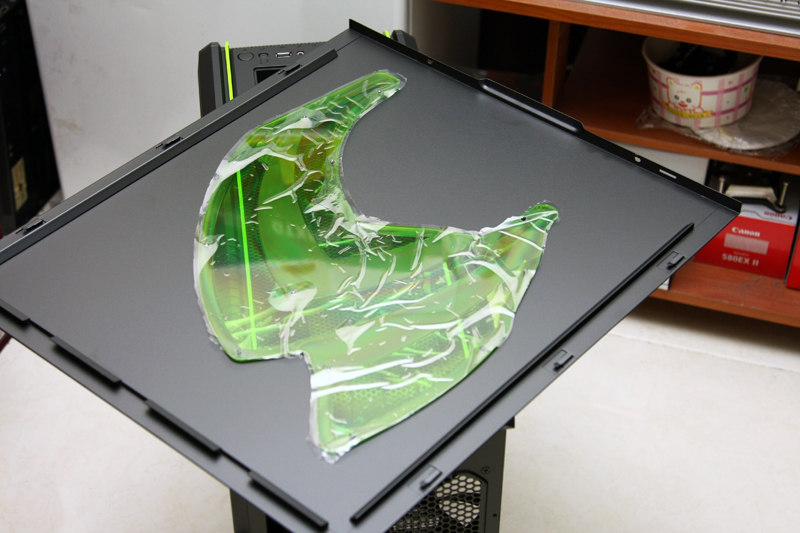
你看、你看 !!! 帥氣的NVIDIA LOGO出現在側板, 搭配上黑綠色, 一整個感覺超棒的.
http://pic.xfastest.com/pertonas/690IINV/8.jpg
另一面 – Design by Cooler Master. 側板部分設置了一風扇孔, 可以協助散熱.
http://pic.xfastest.com/pertonas/690IINV/9.jpg
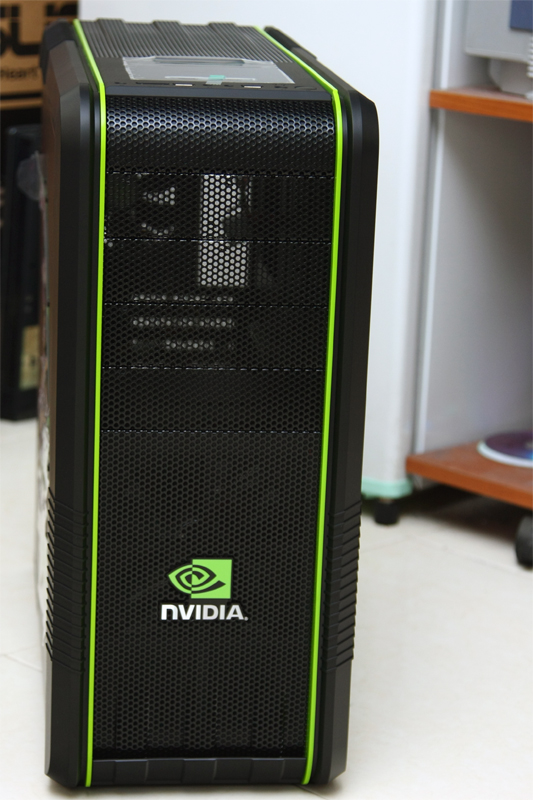
帥氣的面板.
http://pic.xfastest.com/pertonas/690IINV/10.jpg
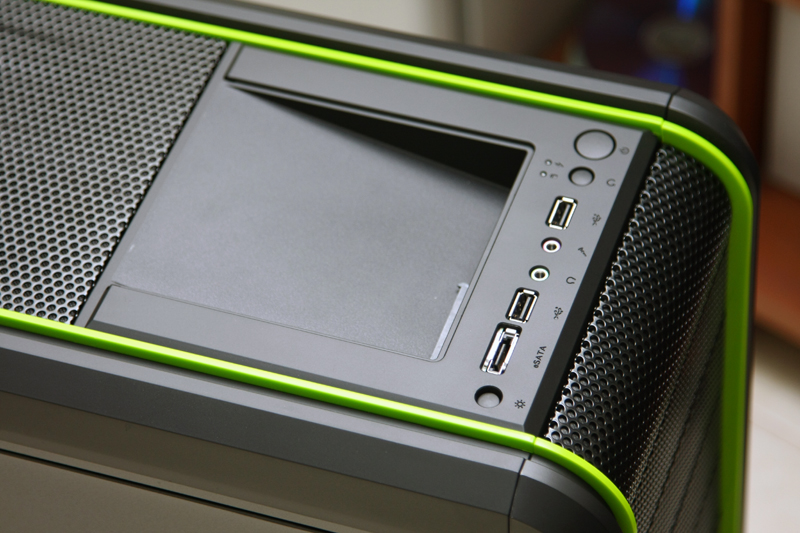
按鈕、I/O 通通在上方.
http://pic.xfastest.com/pertonas/690IINV/11.jpg
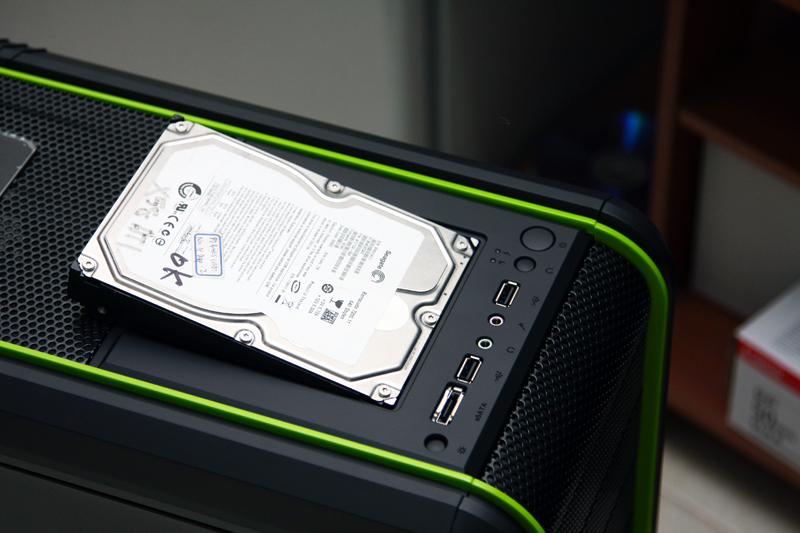
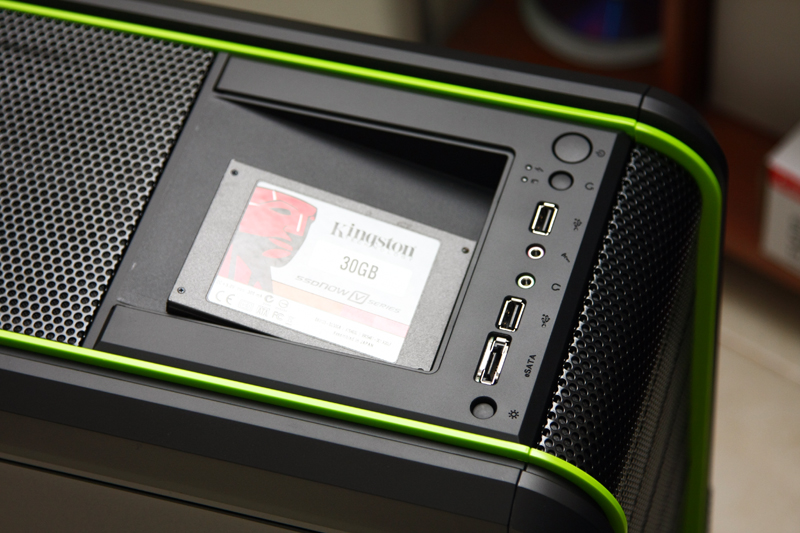
DOCKING部分, 分別利用了SSD以及硬碟來裝裝看.
http://pic.xfastest.com/pertonas/690IINV/12.jpg
http://pic.xfastest.com/pertonas/690IINV/13.jpg
http://pic.xfastest.com/pertonas/690IINV/14.jpg
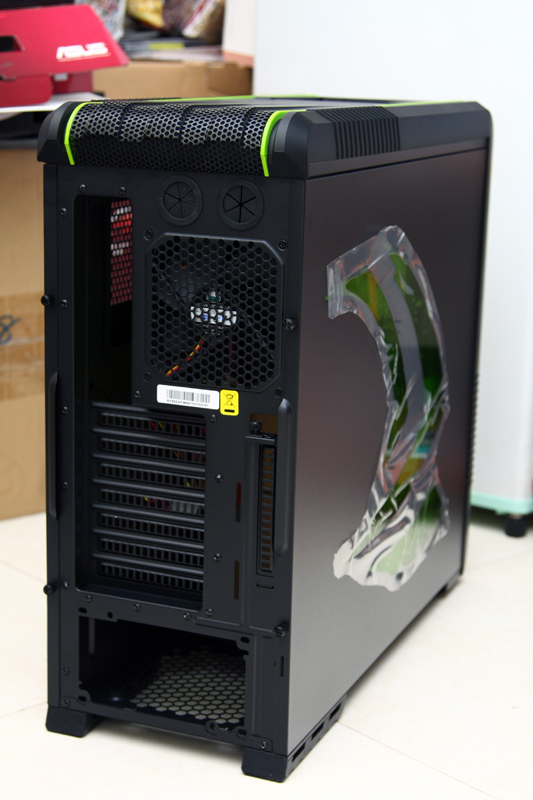
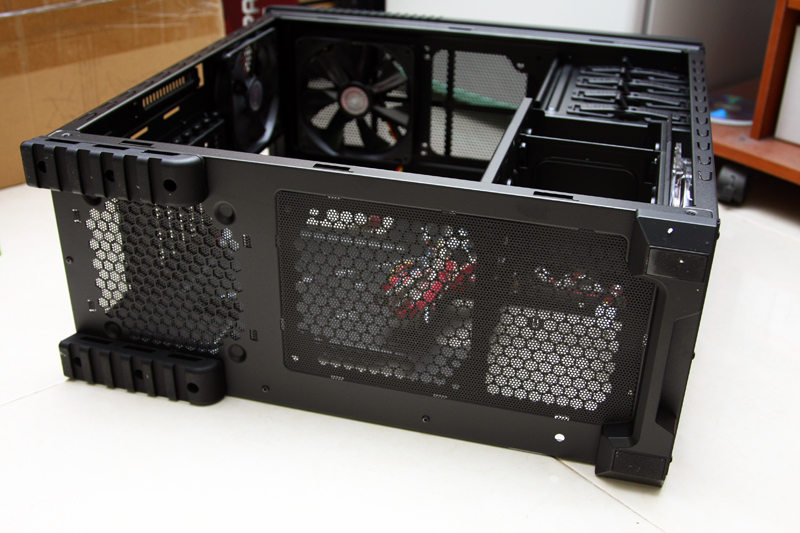
轉個身來看一下屁股.
http://pic.xfastest.com/pertonas/690IINV/15.jpg
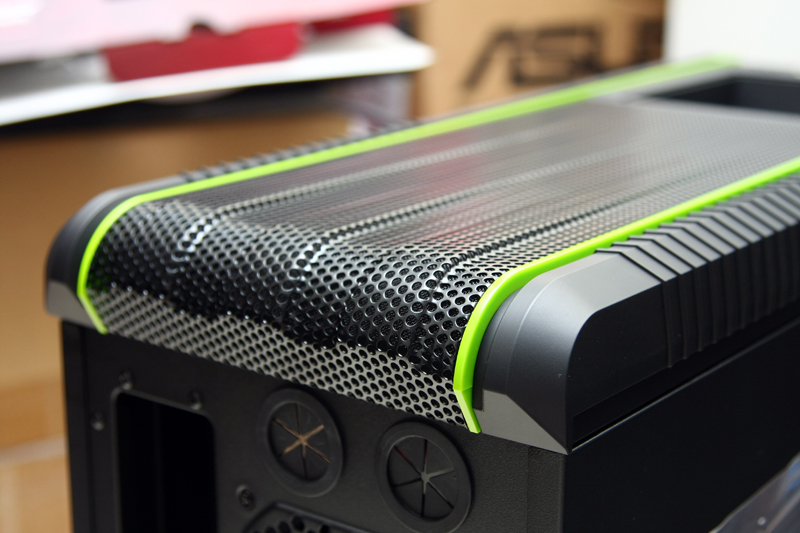
上方的設計, 蠻不錯的感覺.
http://pic.xfastest.com/pertonas/690IINV/16.jpg
特別的設計方式, 主要是提供額外的擴充槽讓使用者使用, 一般而言必須使用RISER來協
助.
http://pic.xfastest.com/pertonas/690IINV/18.jpg
剛剛那個帥氣的面板.
http://pic.xfastest.com/pertonas/690IINV/19.jpg
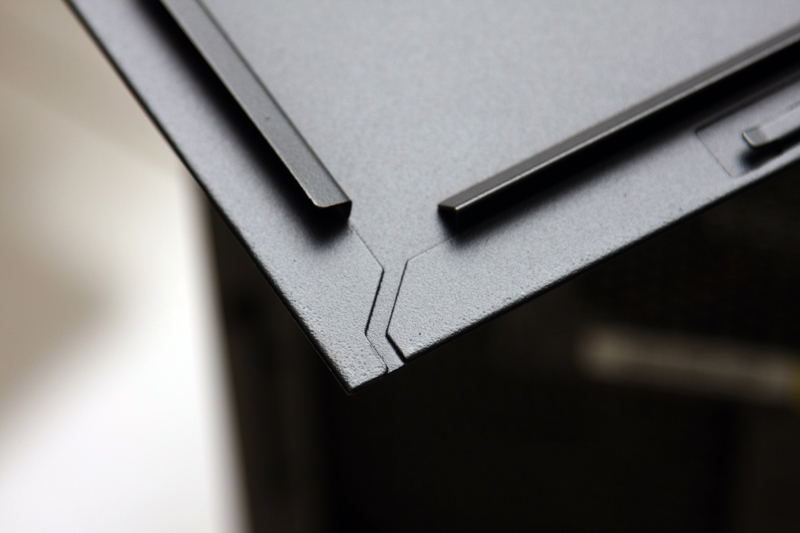
折邊.
http://pic.xfastest.com/pertonas/690IINV/20.jpg
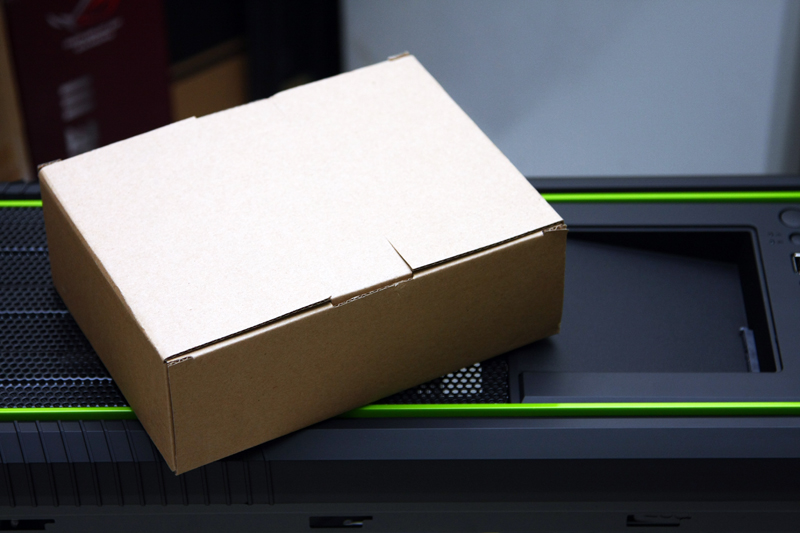
神祕的盒子. 裡面有…
http://pic.xfastest.com/pertonas/690IINV/21.jpg
一、螺絲包
http://pic.xfastest.com/pertonas/690IINV/22.jpg
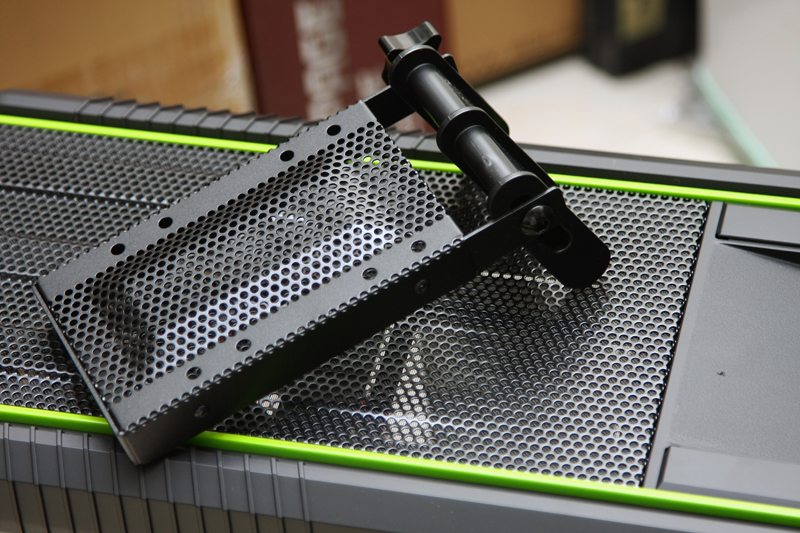
二、VGA HOLDER, 有比筷子好用一些嗎 XD
http://pic.xfastest.com/pertonas/690IINV/23.jpg
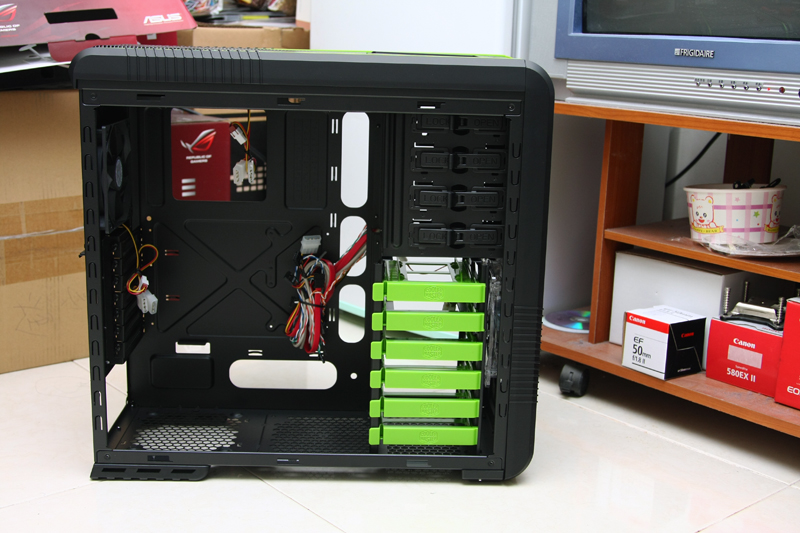
WoW ~ 690 II ADVANCED NV EDITION內部採全黑化處理, 但在硬碟架部分則使用NVIDIA的
綠色進行搭配.
http://pic.xfastest.com/pertonas/690IINV/24.jpg
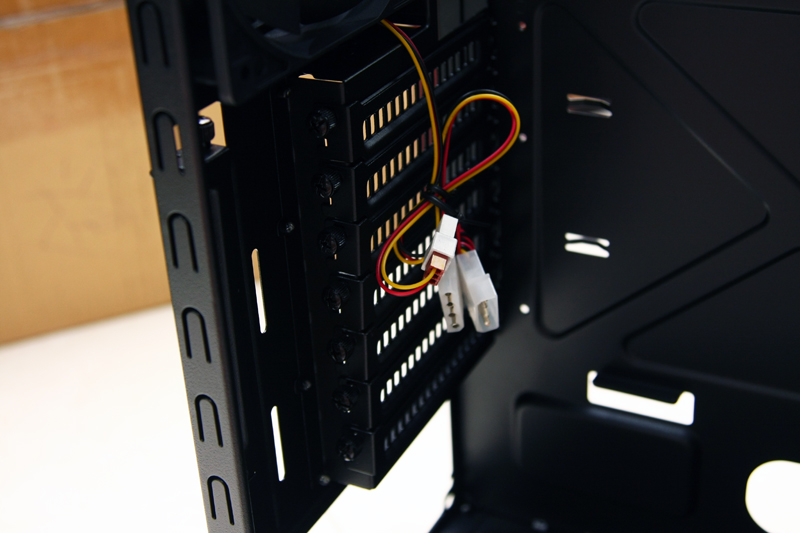
全綠色的硬碟架.
http://pic.xfastest.com/pertonas/690IINV/25.jpg
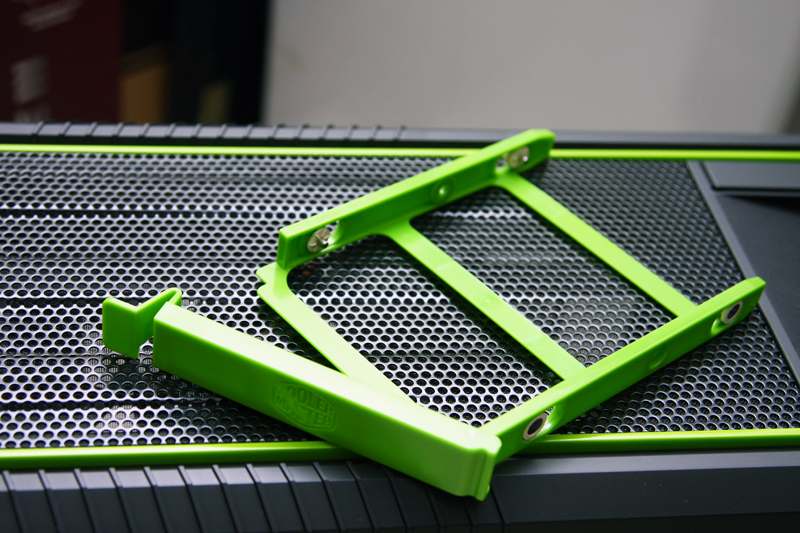
提供了一組供2.5”或是1.8”儲存裝置的轉接架.
http://pic.xfastest.com/pertonas/690IINV/26.jpg
來試看看裝上SSD.
http://pic.xfastest.com/pertonas/690IINV/27.jpg
一般硬碟使用的.
http://pic.xfastest.com/pertonas/690IINV/28.jpg
裝上.
http://pic.xfastest.com/pertonas/690IINV/29.jpg
把前面的面板拆下來.
http://pic.xfastest.com/pertonas/690IINV/30.jpg
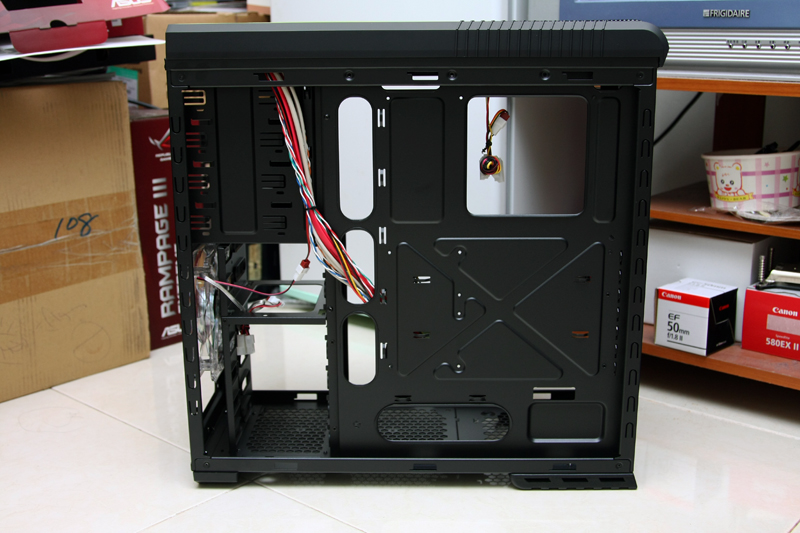
脫光光的樣子, 真害羞.
http://pic.xfastest.com/pertonas/690IINV/31.jpg
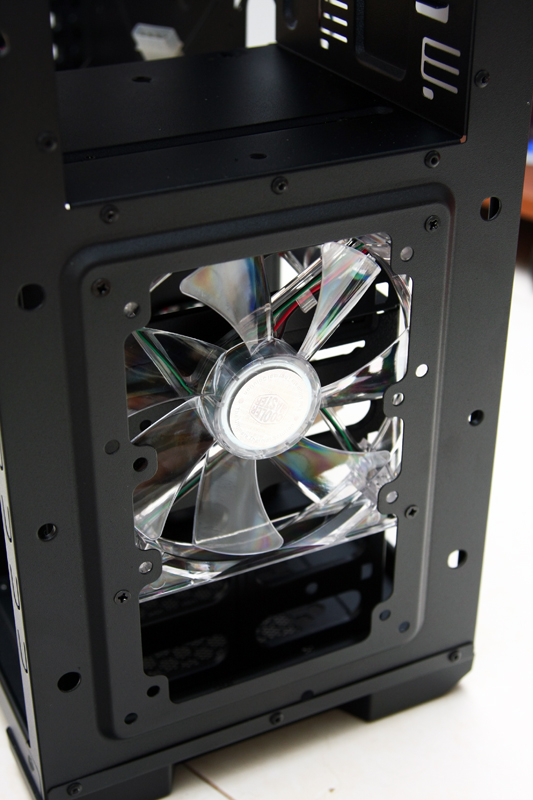
硬碟部分的風扇, 可以調整位置.
http://pic.xfastest.com/pertonas/690IINV/32.jpg
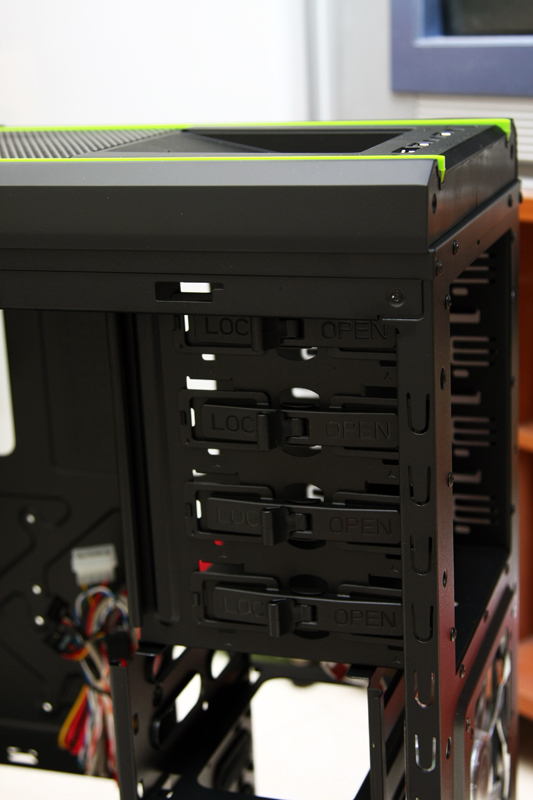
上方DOCKING部分, 收的很有技巧, 並不會突出而影響了第一個SLOT.
http://pic.xfastest.com/pertonas/690IINV/33.jpg
690 II的免螺絲設計.
http://pic.xfastest.com/pertonas/690IINV/34.jpg
設計是能夠讓線材都藏在背面, 讓正面儘量的整齊.
http://pic.xfastest.com/pertonas/690IINV/35.jpg
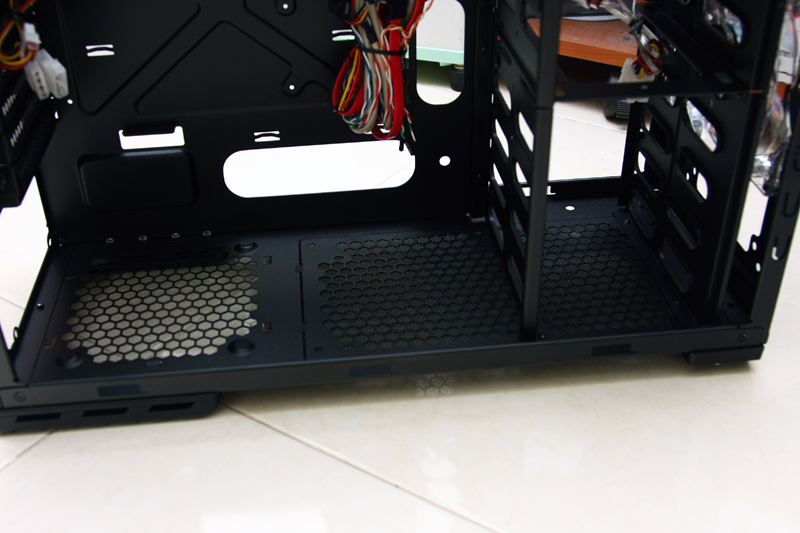
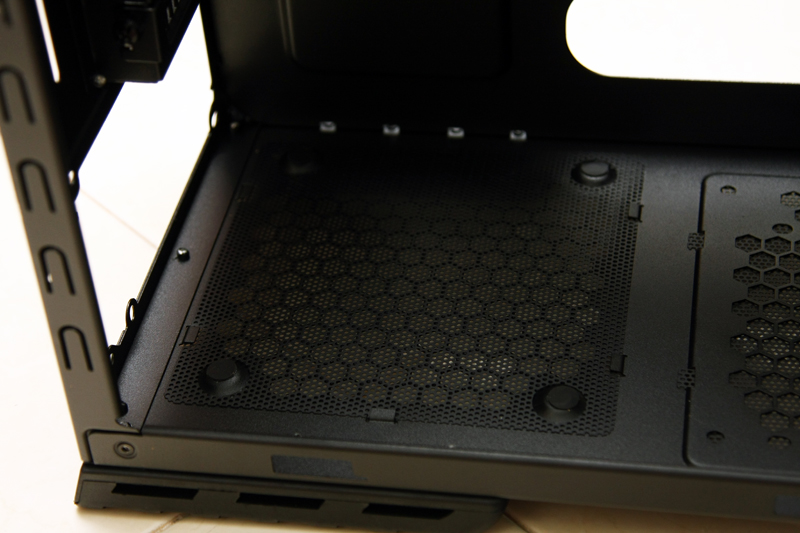
濾網的設置是一定要的, 否則會吸入非常多的灰塵, 但也記得不定時的清理一下濾網阿…
這部分, 也可以放置一組水冷排或是兩顆120 mm的風扇, 但先決條件是必須犧牲掉硬碟的
空間.
http://pic.xfastest.com/pertonas/690IINV/36.jpg
PSU部分, 提供軟墊抗震.
http://pic.xfastest.com/pertonas/690IINV/37.jpg
擴充槽部分, 全部提供手轉螺絲.
http://pic.xfastest.com/pertonas/690IINV/38.jpg
上方的風扇為140 x 25 mm、後方為 120 mm、前方還有一顆為 140 x 25 mm帶有綠色LED
的風扇.
http://pic.xfastest.com/pertonas/690IINV/39.jpg
Rubber Stand, 比其690要來高一些.
http://pic.xfastest.com/pertonas/690IINV/40.jpg
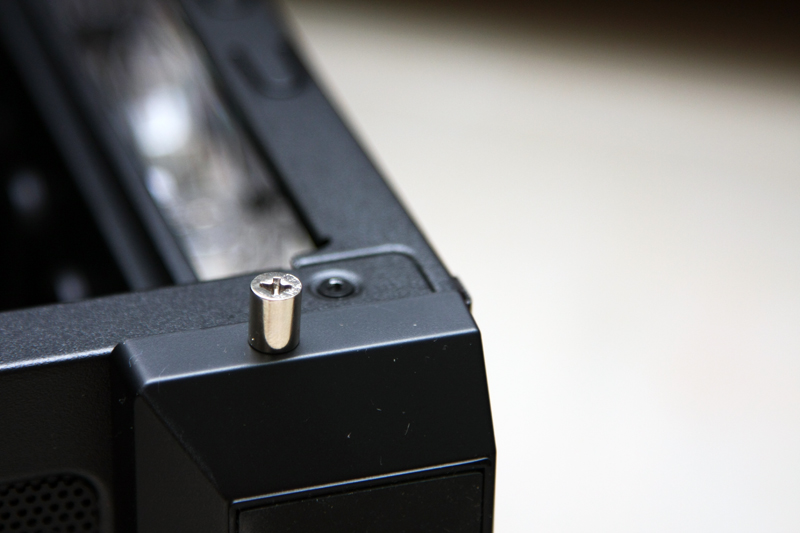
貼心的提供了鎖銅柱的傢伙.
http://pic.xfastest.com/pertonas/690IINV/41.jpg
就這樣放上去, 搭配了螺絲起子就能夠將銅柱鎖緊.
http://pic.xfastest.com/pertonas/690IINV/42.jpg
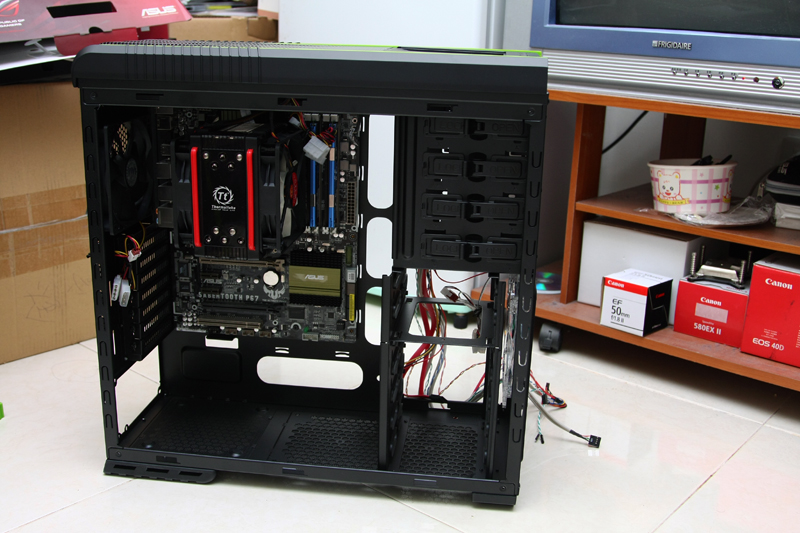
裝機一下.
http://pic.xfastest.com/pertonas/690IINV/43.jpg
顯示卡使用GTX 580來看一下位置, 似乎空間還很大.
http://pic.xfastest.com/pertonas/690IINV/44.jpg
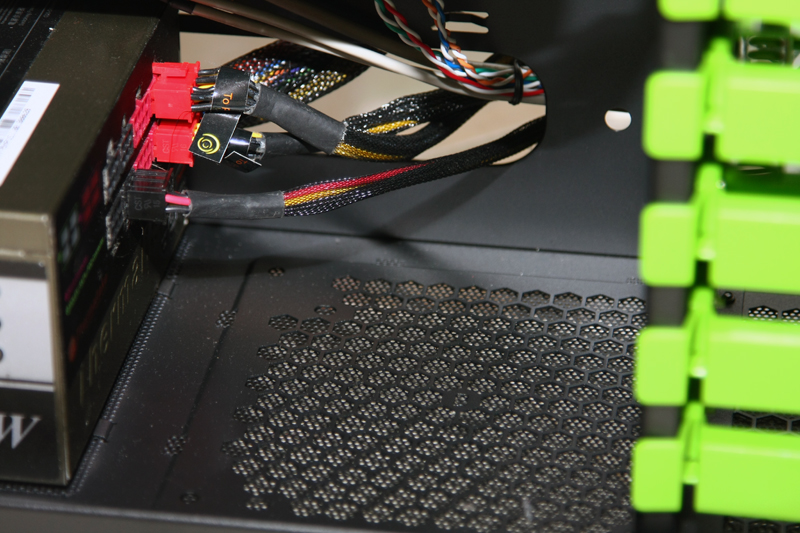
PSU部分, 使用模組化過然比較乾淨.
http://pic.xfastest.com/pertonas/690IINV/45.jpg
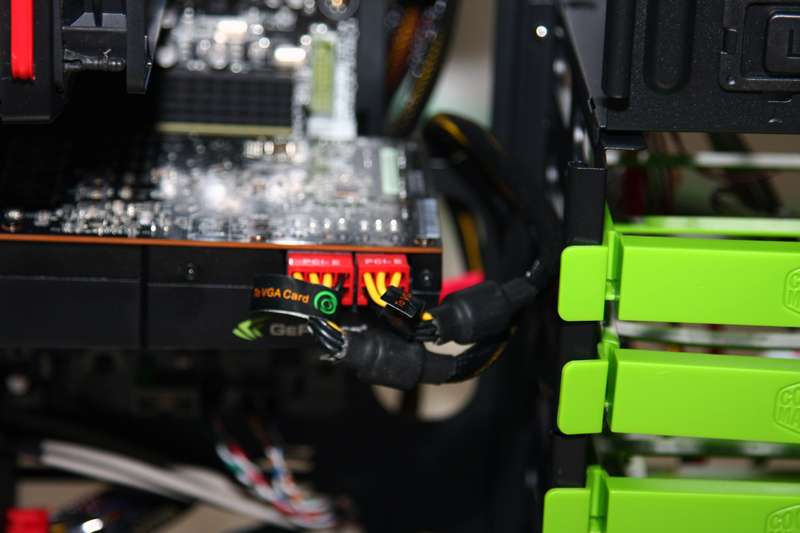
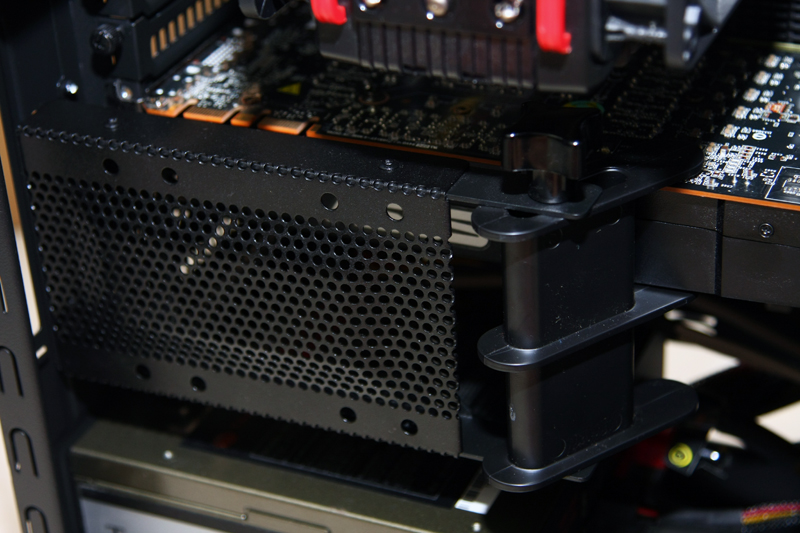
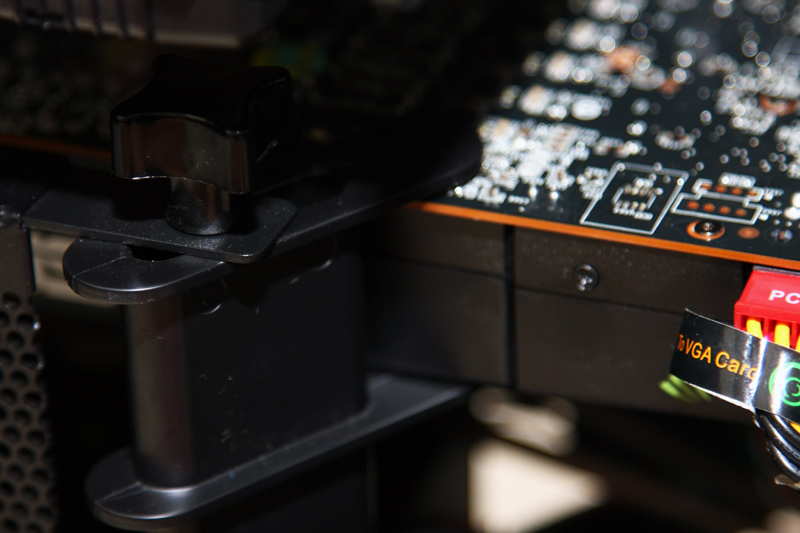
VGA HOLDER, 小心顯示卡上面的零件…
http://pic.xfastest.com/pertonas/690IINV/46.jpg
http://pic.xfastest.com/pertonas/690IINV/47.jpg
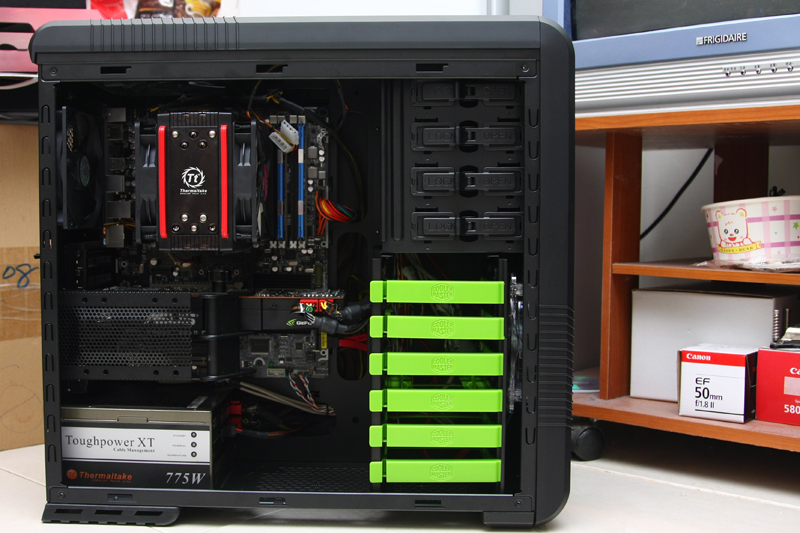
整理一下, 帥氣的主機就出現了.
http://pic.xfastest.com/pertonas/690IINV/48.jpg
側板蓋上, 那個NVIDIA的LOGO真的設計的非常贊.
http://pic.xfastest.com/pertonas/690IINV/49.jpg
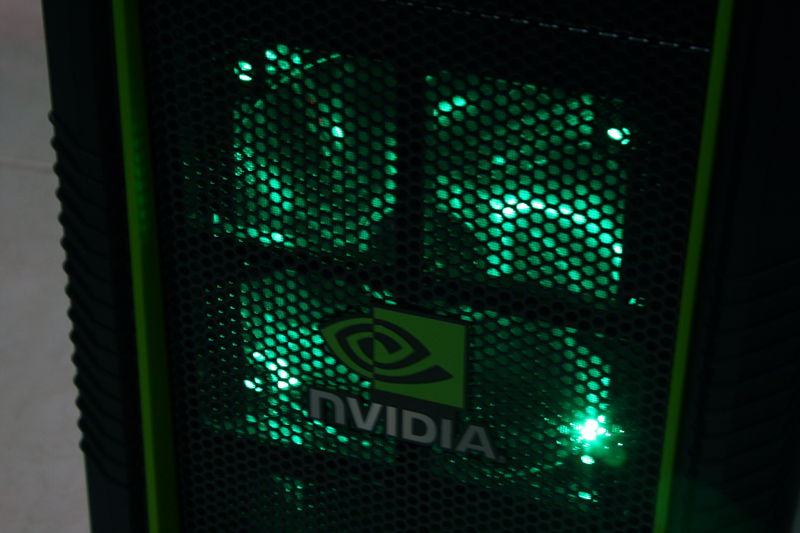
前方140 x 25 mm搭配綠色的LED開機時的模樣. 若是不喜歡LED的話, 上面其實有設置一
個開關能夠關閉.
http://pic.xfastest.com/pertonas/690IINV/50.jpg
大略的跟大家分享了Cooler Master 690 II ADVANCED NVIDIA EDTION這個機殼.
雖然ADVANCED的版本, 在台灣幾乎晚了一年才上市, 但至少還是進來台灣市場了. 黑、白
以及NVIDIA EDITION三種選擇, 至於小P是比較喜好NVIDIA這個版本, 主要是因為配色和
側板的那個NVIDIA LOGO. 另外在擴充槽的擋板也採用鏤空的設計, 跟一般版本也有些差
異.
缺少了USB 3.0接頭, 說真的感覺不到什麼遺憾…因為有不少的主機板開始提供了前置
USB 3.0裝置, 能夠讓使用者直接透過該裝置就能夠使用, 比其將線拉到後面要方便不少
.
簡單分享了690 II ADVANCED NVIDIA EDITION, 希望大家會喜歡, 謝謝收看.
--
※ 發信站: 批踢踢實業坊(ptt.cc)
◆ From: 220.136.184.115
推 herculex:機殼挑順眼的就好 01/16 00:00
推 PhenomII950:NV廚專用 01/16 00:02
推 mp44stg44:可 01/16 00:05
→ tn00210585:唯一不能接受的設計就是硬碟上滿 前方風扇不能全吹 =.= 01/16 00:07
→ herculex:唯一不能接受的是洞太大 又毫不遮掩的曝露出來 01/16 00:08
推 suzukihiro:樓上講的好H 01/16 00:11
→ pertonas:好糟糕的感覺..... 01/16 00:12
推 ang728:yeah 你發了 01/16 00:58
→ pertonas:什麼時候換你 01/16 01:05
推 azumanga:推。 01/16 01:19
推 highwaysuck:................ 01/16 01:33
→ pertonas:是砸到腳的朋友 WoW 01/16 01:39
推 RODPoy99:硬碟這樣裝不是不好嗎? 01/16 09:41
推 PhenomII:我想看全白的開箱啦 扭扭~ 01/16 09:52
推 montyui:好看 01/16 10:23
推 ebolalala:真是難得的的漂亮透測! 01/16 12:07
→ superLM:網拍 沒人賣XDD 不然想訂一咖 01/16 12:29
→ herculex:有阿 怎麼沒人脈 01/16 12:30
→ superLM:奇摩拍賣 沒有阿XDD 01/16 12:33
→ superLM:喔喔 軍團有 SOR 01/16 12:34
→ herculex:現在找零件怎麼會到Y拍 根本剩沒幾家店 01/16 12:36
→ superLM:Y拍 可以超商付款阿 方便XDDD 01/16 12:37
→ herculex:露天也可以... 01/16 12:39
→ herculex:這顆機殼我至少看到四家網拍在賣 01/16 12:39
→ herculex:不過機殼哪家可以超商取貨 01/16 12:41
→ superLM:有超商付款 但送到家的啦XDDD 01/16 12:43
→ superLM:超商取貨 超商 會起笑吧XDD 01/16 12:43
→ herculex:我都在家付款... 01/16 12:44
→ superLM:再家付款 我怕我會點到破產 01/16 12:50
推 michealking:全白我有開 mo01有 01/16 17:56
推 michealking:機殼超過商家的囤貨尺寸 所以沒有7-11取貨 01/16 18:44